How to Manage Schedules
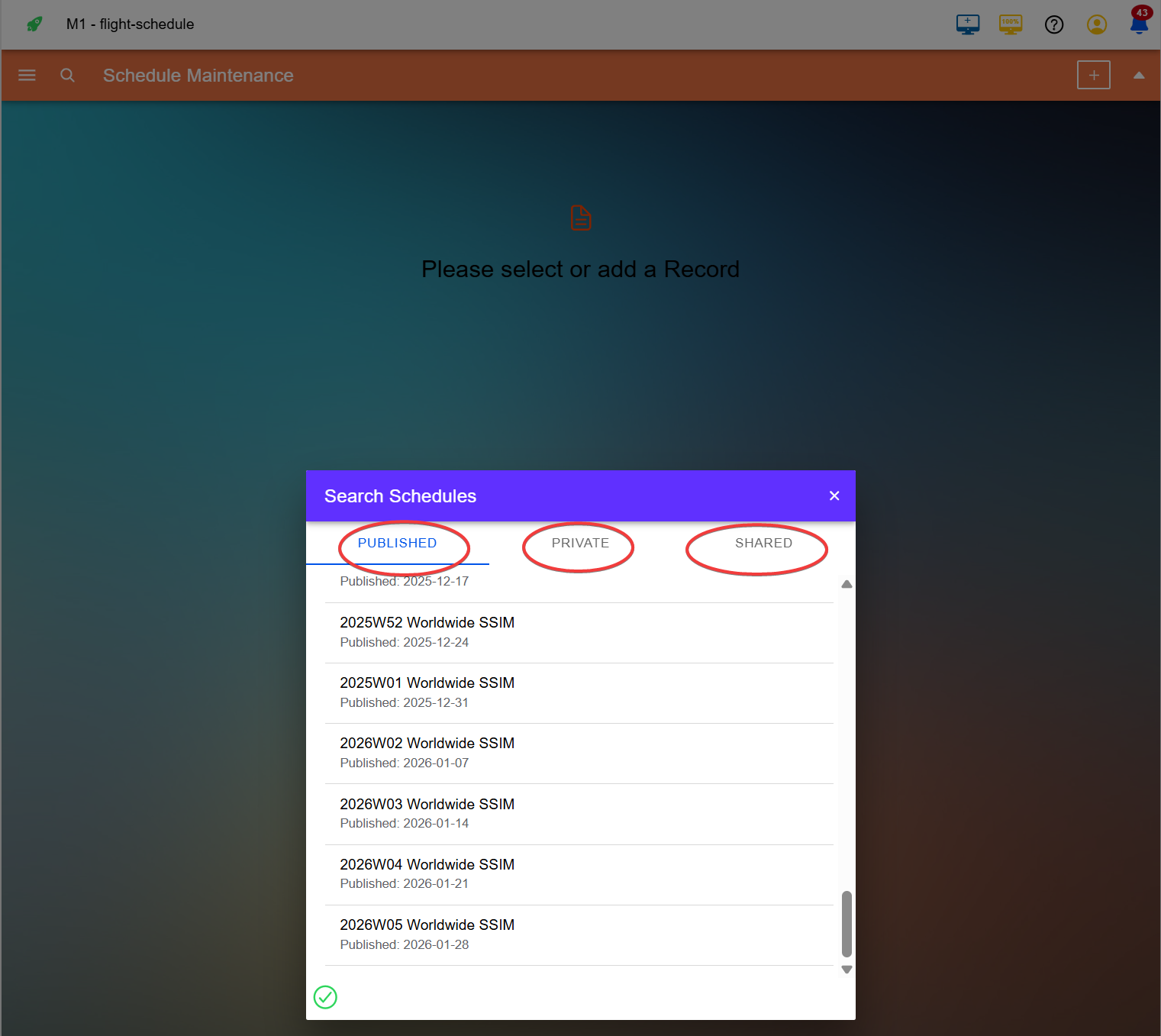
Maestrow lets you upload private schedules for use in reports, comparisons, and validation. The Schedules tab has three sections.
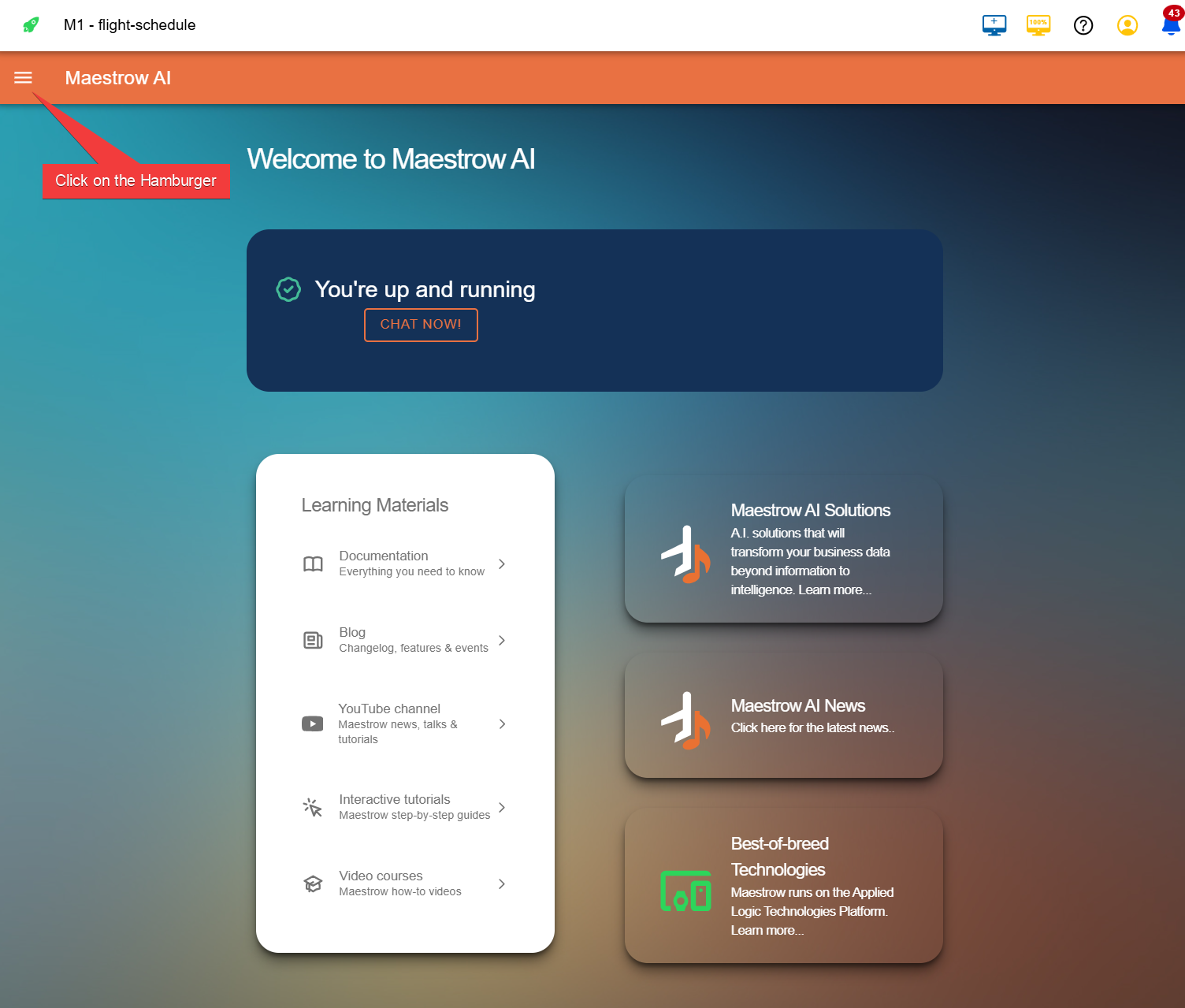
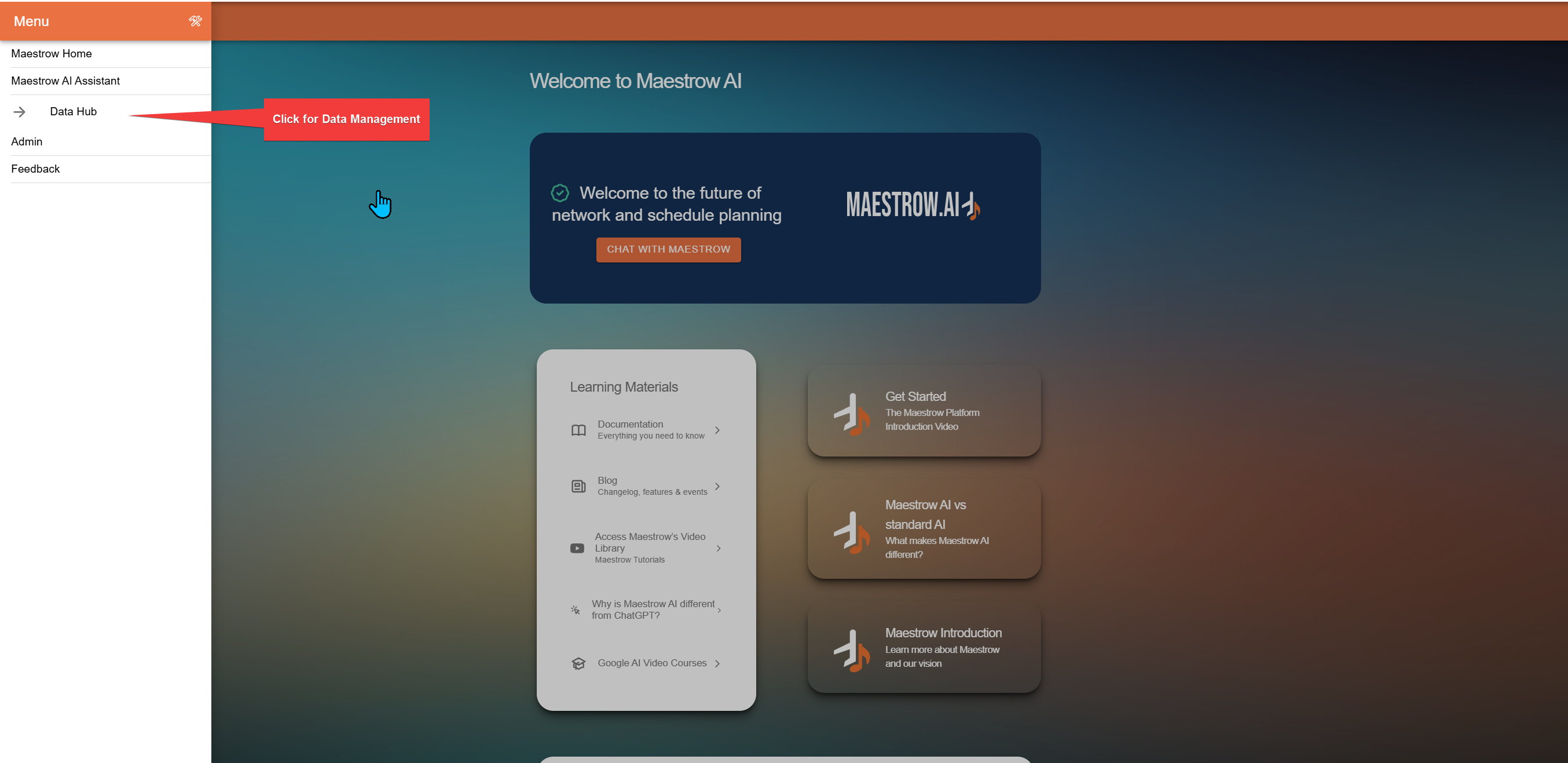
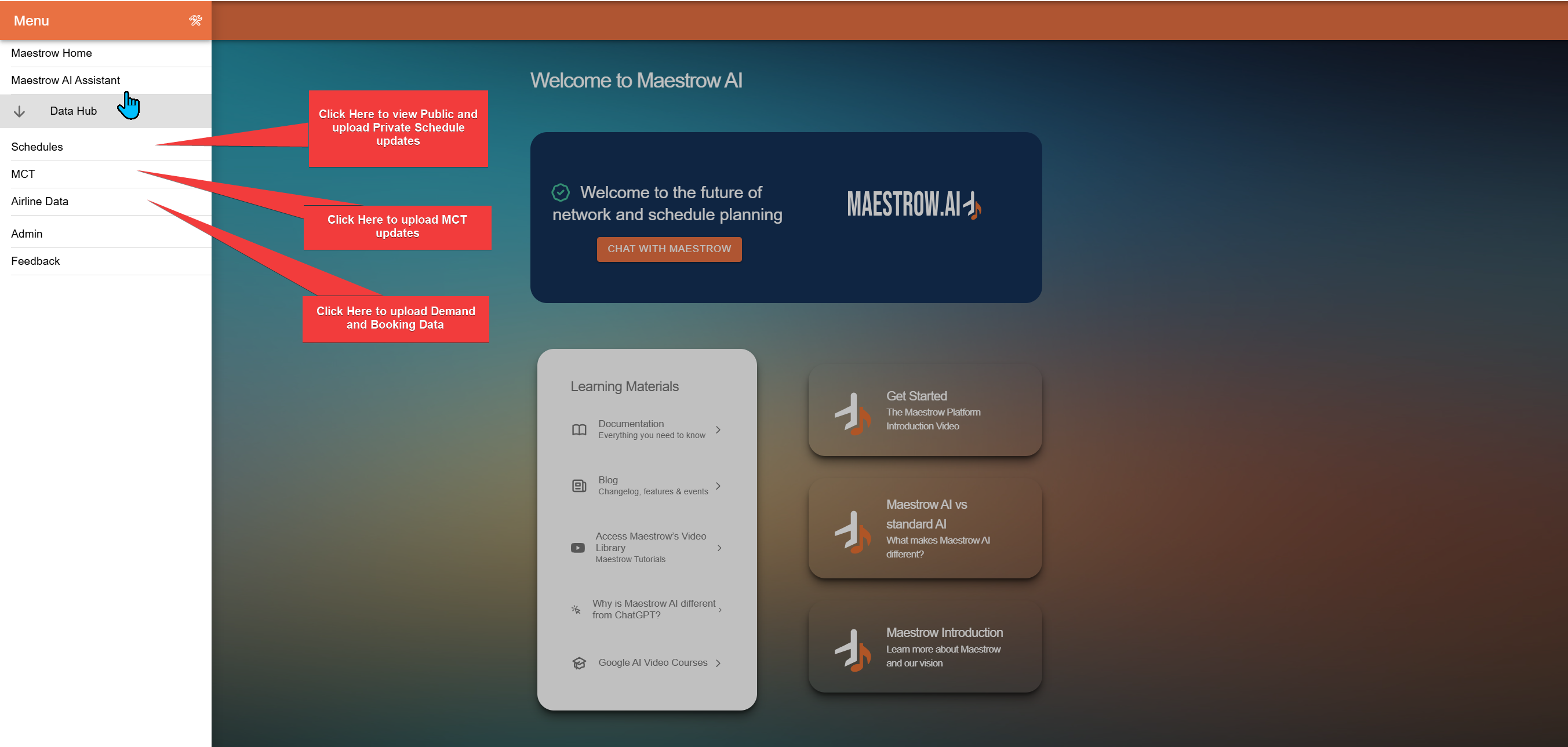
Accessing Data Management
Schedule Sections
| Section | Description |
|---|---|
| Public | Weekly update of worldwide schedules |
| Private | Your private schedule uploads — visible only to your user account |
| Shared | Private SSIM files shared with you by partners |
For instructions on uploading a private schedule, see How to Manage Private Schedules.