Prompt Library
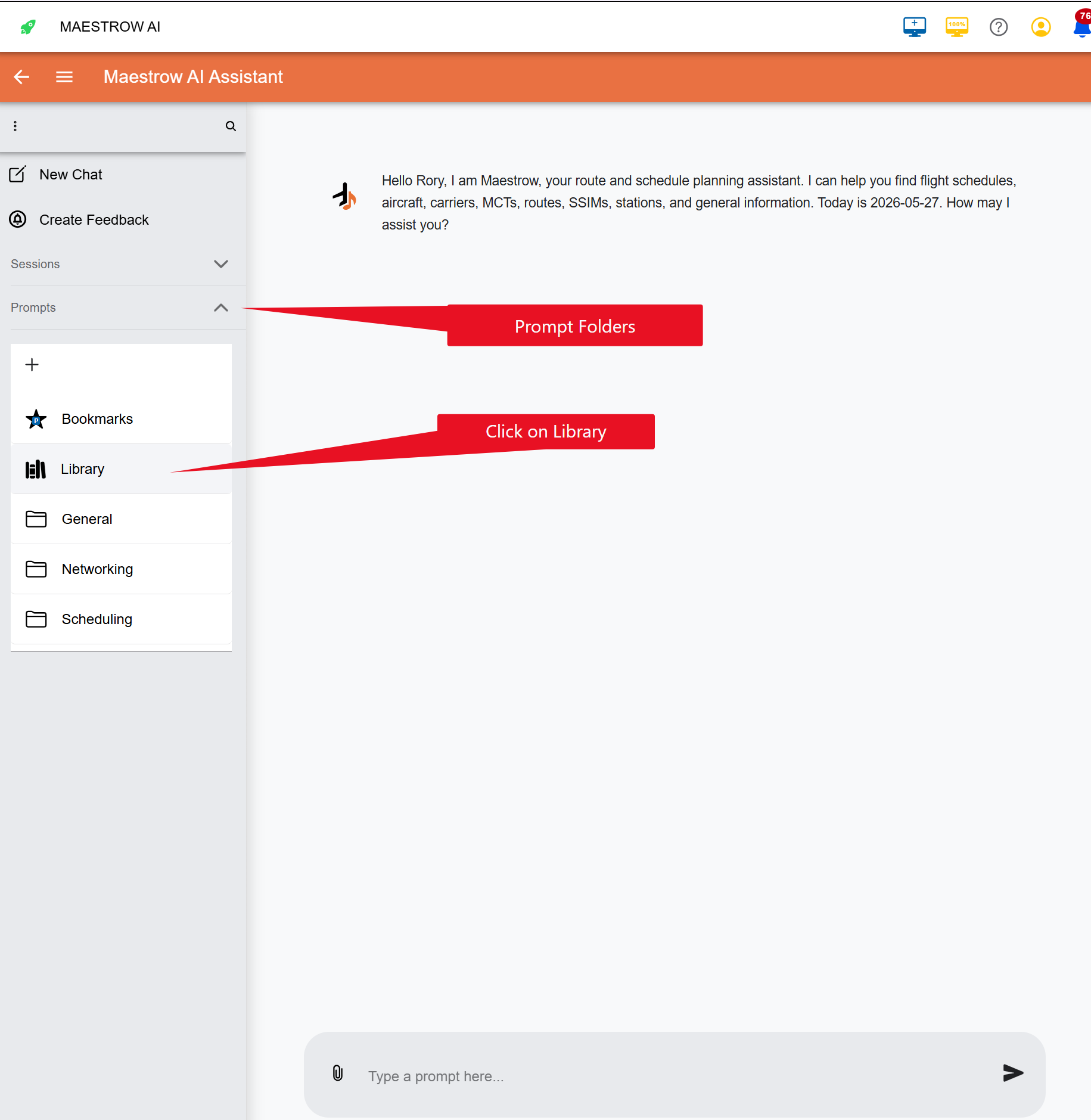
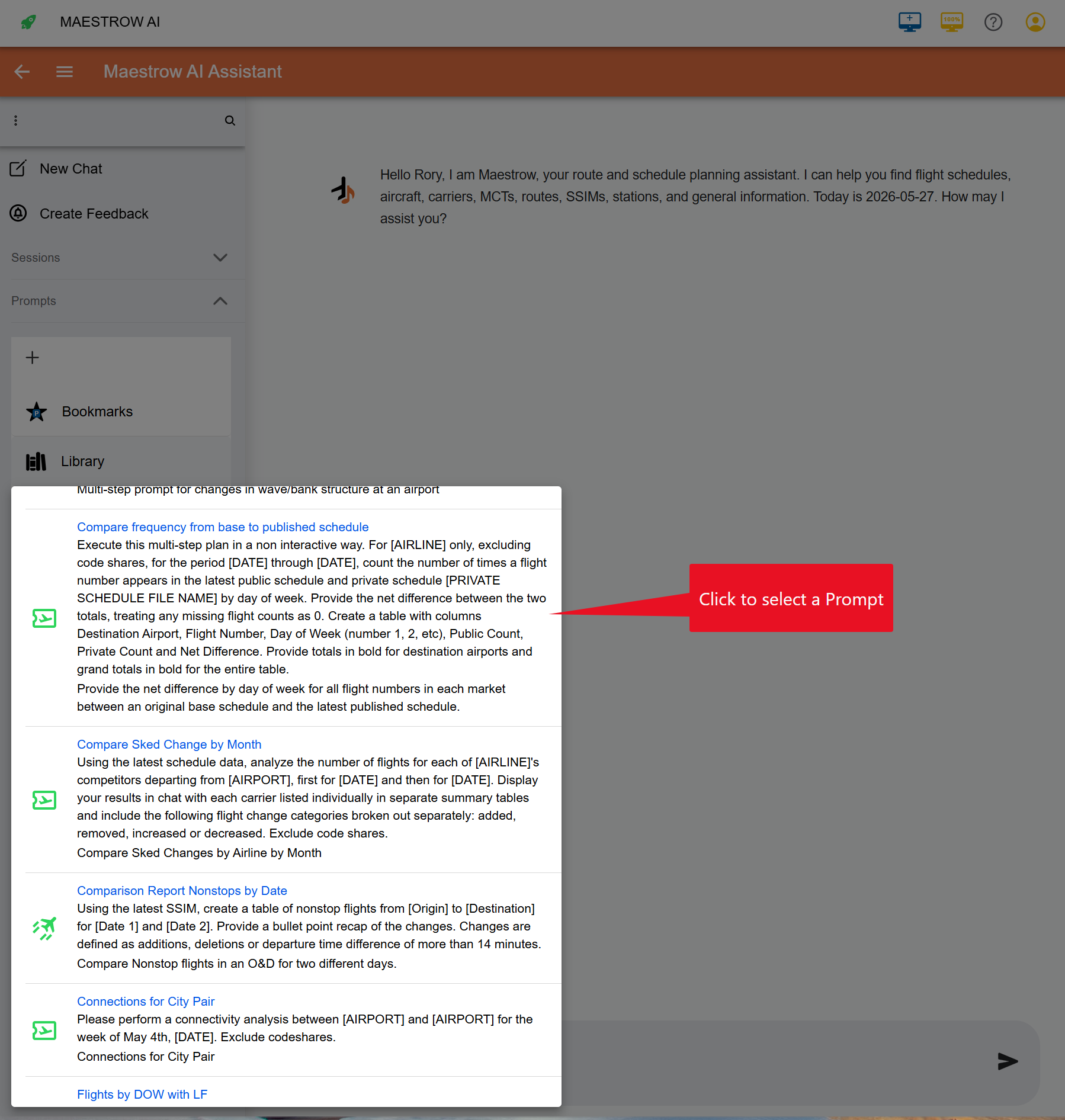
You can start using Maestrow right away by simply entering a prompt and clicking the send button. To help get you started, and explore Maestrow's full capabilities, click the Library button on the bookmark bar — this will pop a list of suggested prompts that you can customise to your requirements. These prompts are provided by the Maestrow Prompt Team for all users and are continuously being updated — so check back often as new functionality is added daily.
Selecting a Prompt from the Library
To select a prompt simply click on the line and it will be pasted into your prompt edit textbox.
Modifying the Prompt
For details on modifying the prompt and customizing as your own reusable prompts, see How to Create Prompts.
Adding to the Library
Currently the library is maintained by the Maestrow Prompt Team and available to all customers and users. Any prompts you develop are only available within your company or your private use. If you have a prompt you wish to share with the community by publishing it in the Library, please submit it via the Feedback feature.